
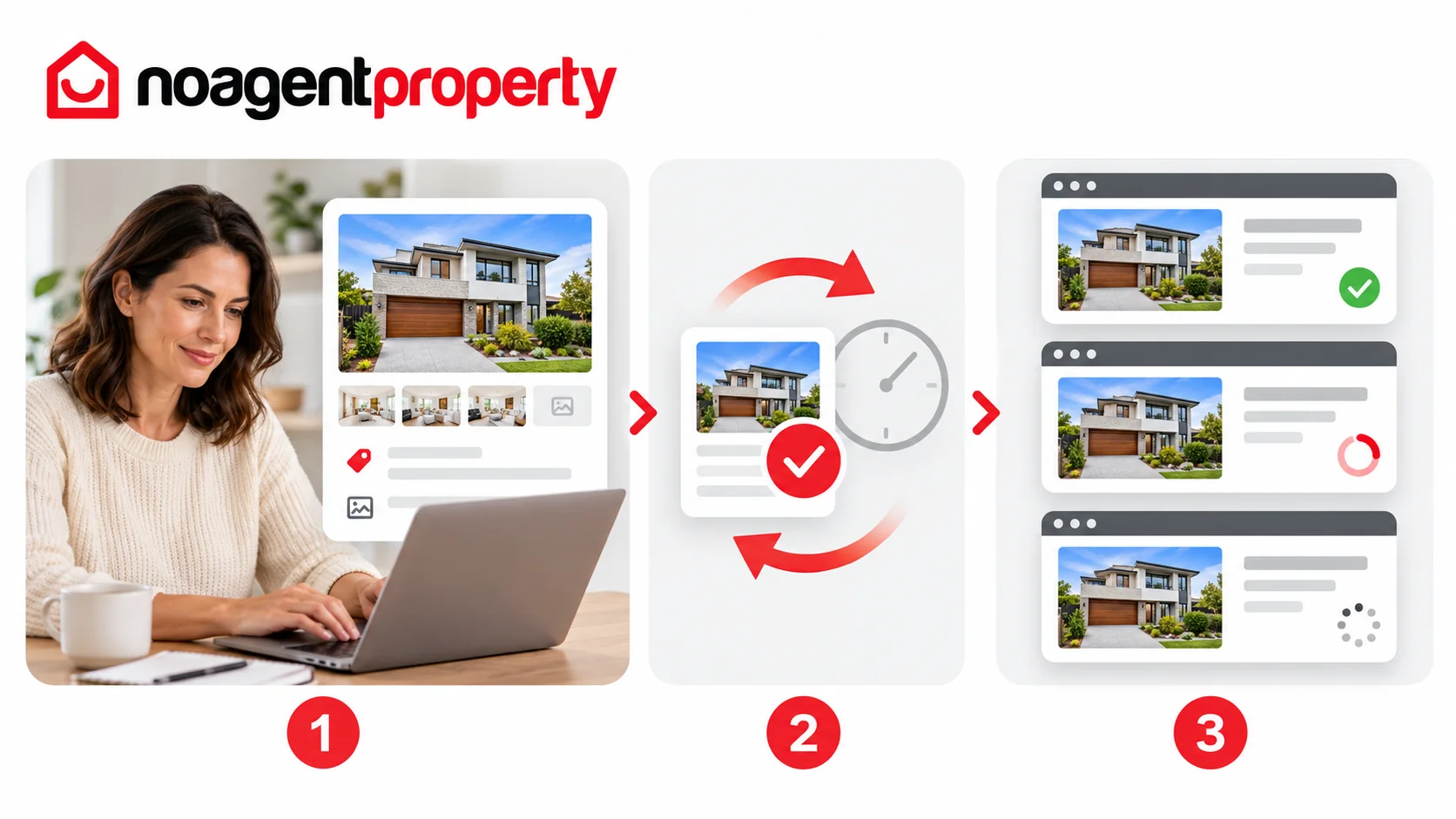
Changes saved in MyPlace need to be processed by the other property advertising websites included in your package, such as realestate.com.au and Domain.
Most changes typically appear within 1–2 hours, although external processing can take longer. This includes:
- New listings going live
- Price changes
- Photo updates
- Video and virtual tour updates, where supported
- Status changes such as Under Offer, Sold or Leased
What if the change hasn't appeared?
- Log in to MyPlace and check the listing.
- Confirm that you clicked Save & Continue and that the update is visible in MyPlace.
- Allow additional time for the external websites to process it.
- If it still hasn't appeared after a few hours, contact support via live chat, email or phone with your listing ID.
Different websites have their own processing rules, so changes may not appear everywhere simultaneously.
For more information, see How to edit your listing, How to add, replace and reorder photos and How to update your price.