
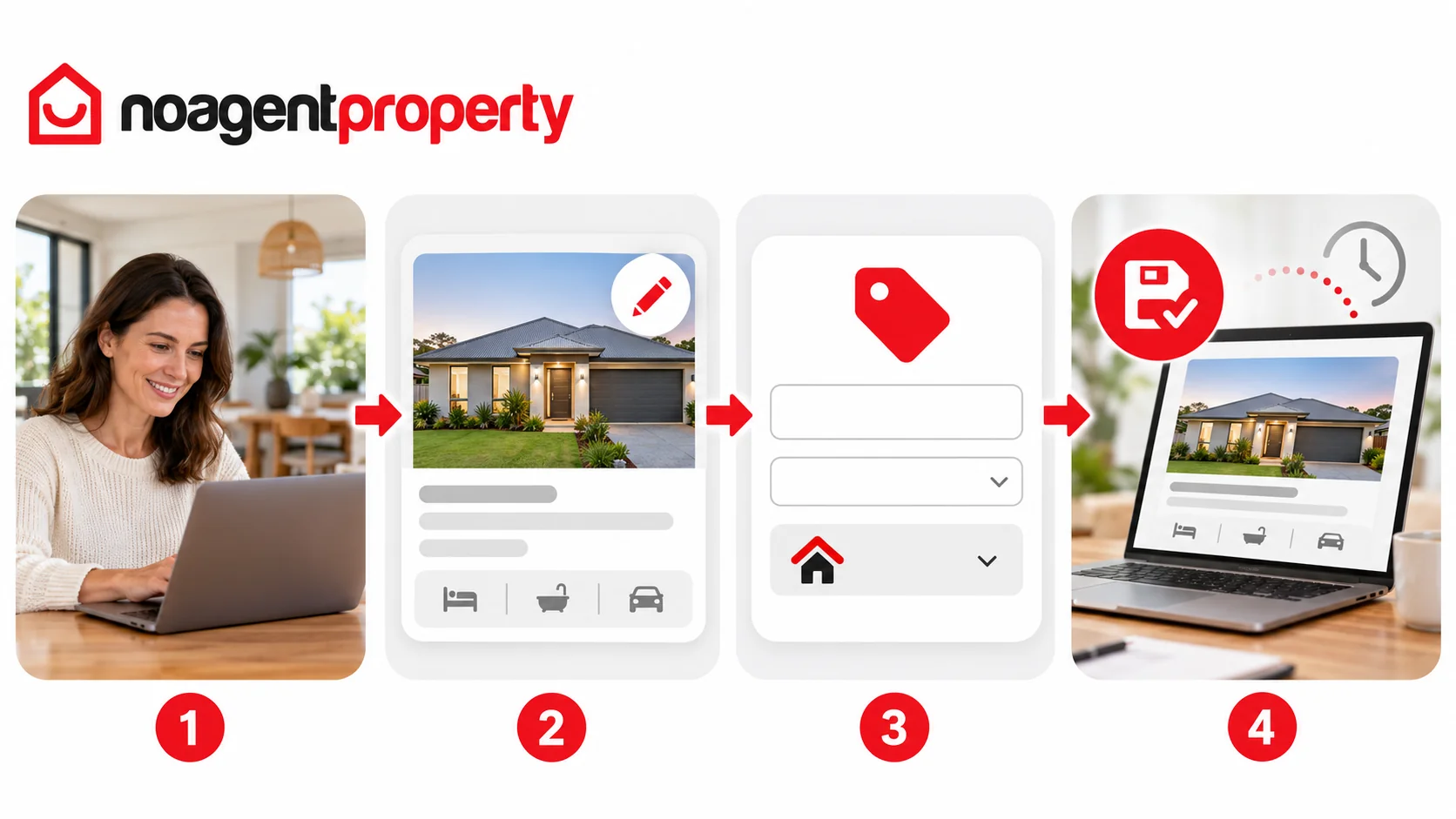
You can update your advertised price through MyPlace.
- Go to My Listings and click Edit Listing.
- Open the Pricing section.
- Change your price or available display options.
- Click Save & Continue.
For rental listings: Depending on listing type, you may be able to show rent weekly, monthly, quarterly or annually. The bond field may be left blank if it has not yet been decided. Check that your advertised rent and bond comply with your state or territory's requirements.
Updates typically appear on included advertising websites, such as realestate.com.au and Domain, within 1–2 hours, although external processing can take longer.
Make sure all advertised price information is accurate and compliant with applicable laws.
For more information, see How to edit your listing and How long does it take for changes to appear on other websites?.