
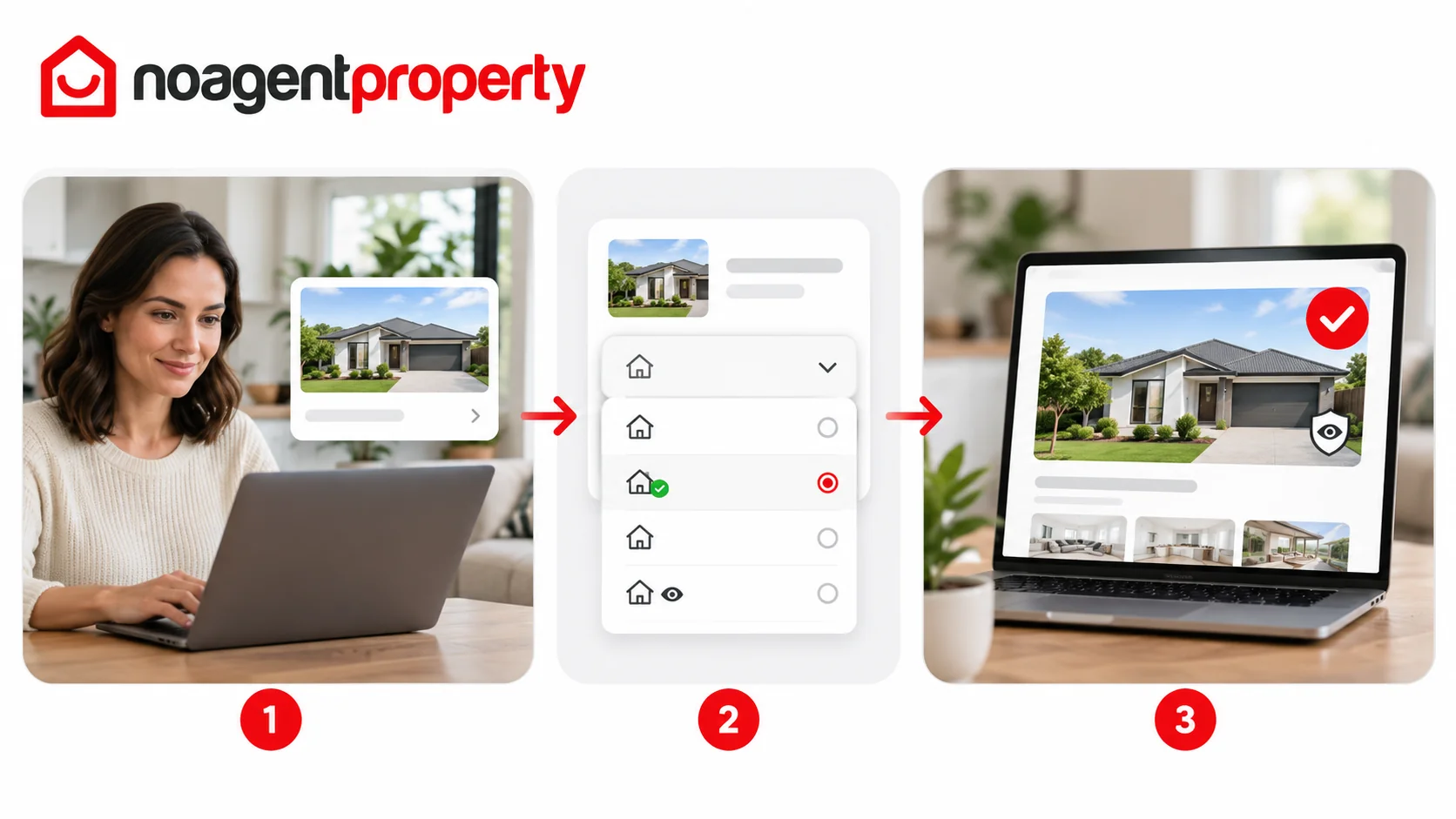
You can update the status of your listing through MyPlace.
- Log in and go to My Listings.
- Select the listing you want to update.
- Choose Change Status.
- Select Under Offer, Sold, Leased or Withdrawn, as applicable.
- Complete any additional fields and save.
There is no separate Under Contract status in the current options; use Under Offer where appropriate for your sale.
When marking a property Sold, you may choose not to display the sale price on your public listing. The price may still be retained for reporting, and external data providers may publish it from other sources.
Status updates typically appear on external advertising websites within 1–2 hours, although processing times vary.
For more information, see How long does it take for changes to appear on other websites?.