
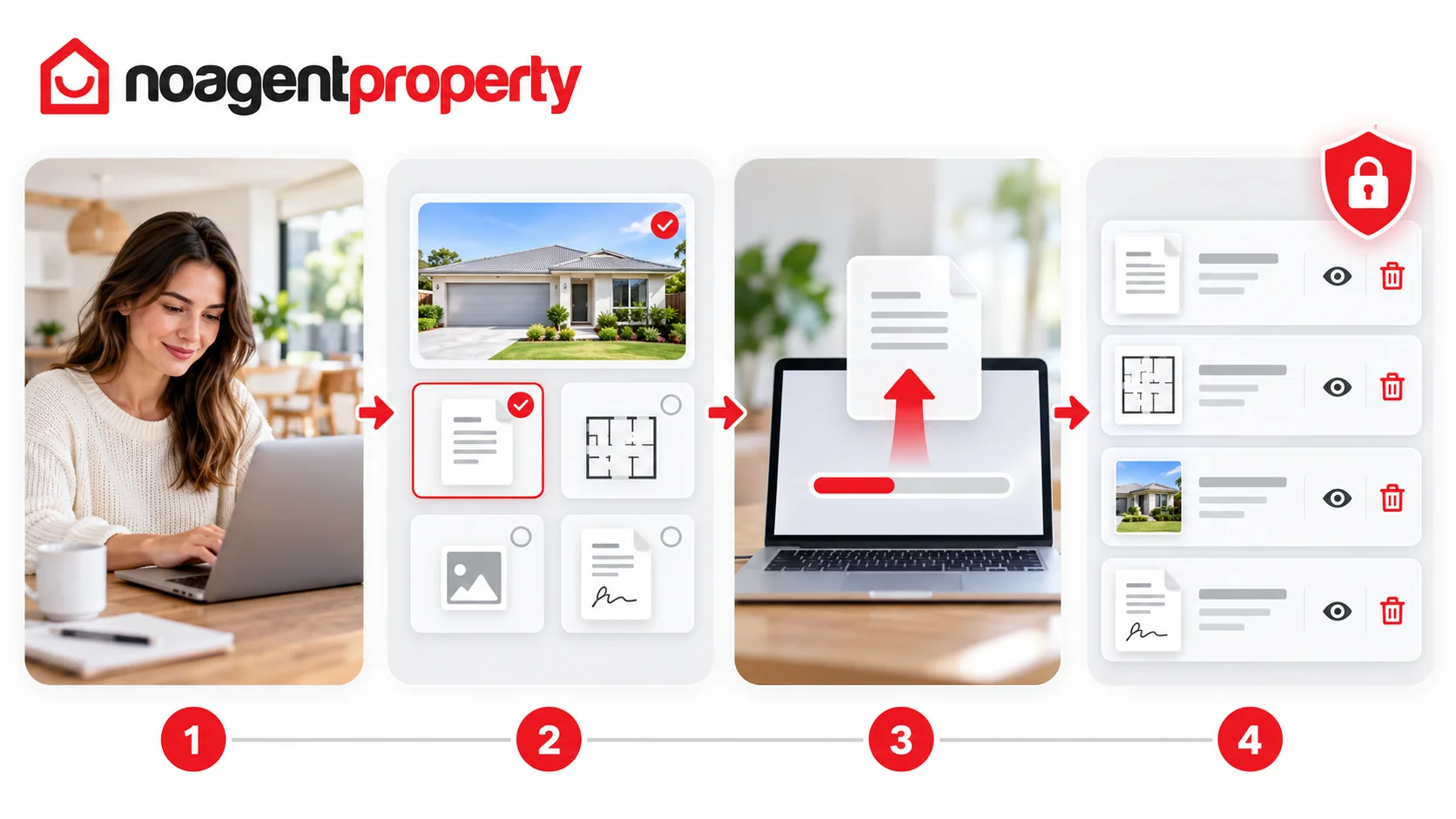
You can upload listing-related files through MyPlace.
- From your dashboard, click Upload Documents.
- Select the relevant listing and document type.
- Click Click Here and choose your file.
- When the upload finishes, check that it appears under Existing Documents.
You can use View or Delete to manage uploaded documents, where those options are available.
Important: Uploading a file as a verification document does not necessarily publish it as a floor plan on external property websites. If you're unsure which upload category to use, contact support before uploading sensitive information.
No Agent Property can also arrange professional floor plans, depending on your package or as an additional service.
For more information, see How to add, replace and reorder photos and How to edit your listing.