
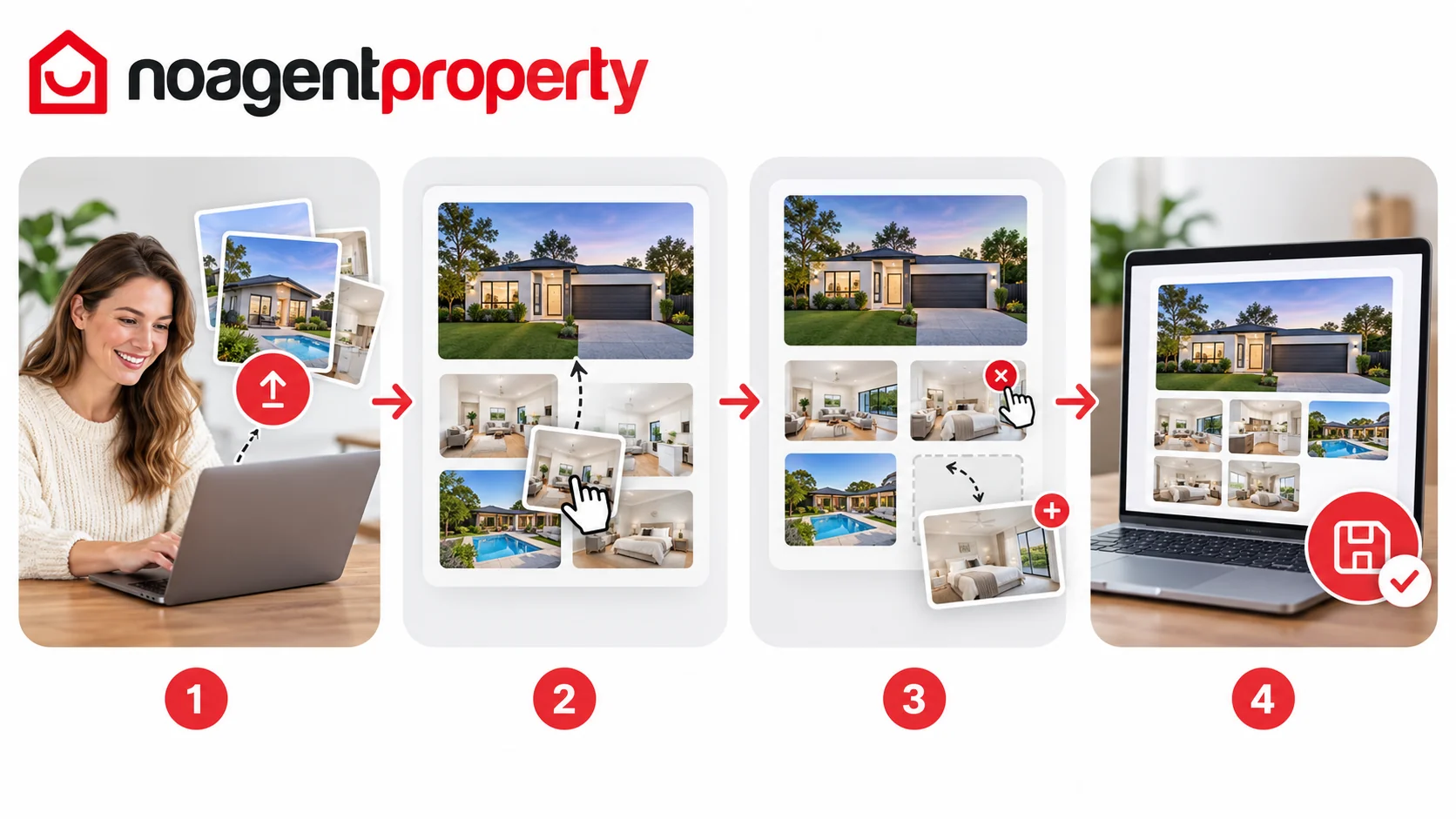
You can add, replace and reorder photos in MyPlace.
- Go to My Listings and click Edit Listing.
- Open Photos & Media.
- Click Click here to upload images and select the files from your device.
- Drag and drop the photos to reorder them.
- Click Save & Continue.
To remove a photo, click the X in its corner. You cannot delete the first (hero) photo directly: move it into second position first. At least one photo must remain on the listing.
If a large file fails to upload, try uploading it separately. Choose your clearest, most attractive image as the first photo.
Need better photos? No Agent Property can help organise professional photography, depending on your package or as an additional service.
For more information, see My photos look cropped or low quality and How long does it take for changes to appear on other websites?.