
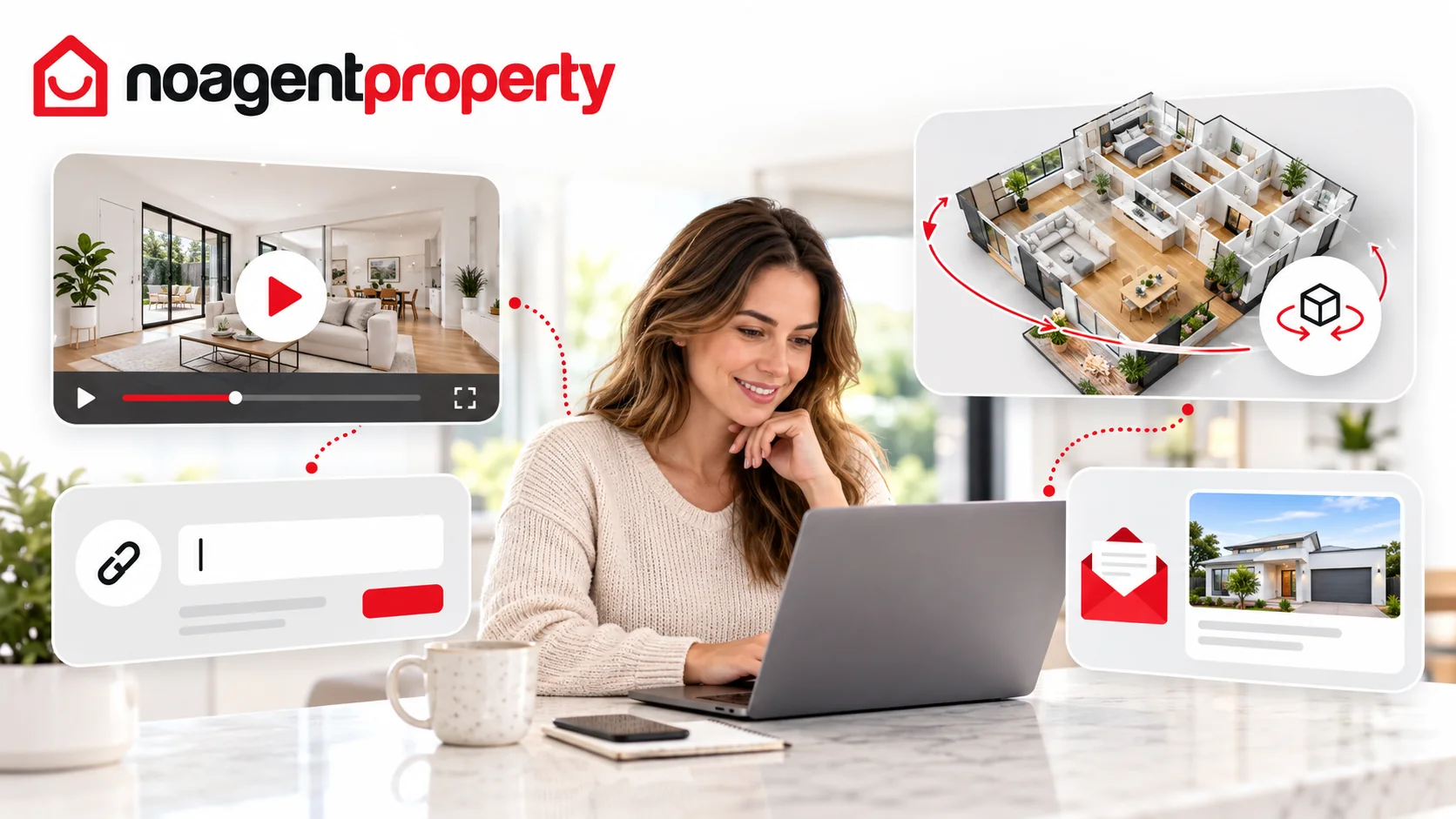
If you have a video, Matterport or other 3D virtual tour link, you can add it through MyPlace where the option is available.
Option 1: Through MyPlace
- Go to My Listings and click Edit Listing.
- Open External Links, if available.
- Paste your link into Video, Virtual Tour or Website as appropriate.
- Save your changes.
Option 2: Ask our team
If you don't see External Links, send the link and your listing ID to [email protected] or [email protected].
Video and virtual tour display options vary between property advertising websites and listing products.
For more information, see How to edit your listing and How long does it take for changes to appear on other websites?.