
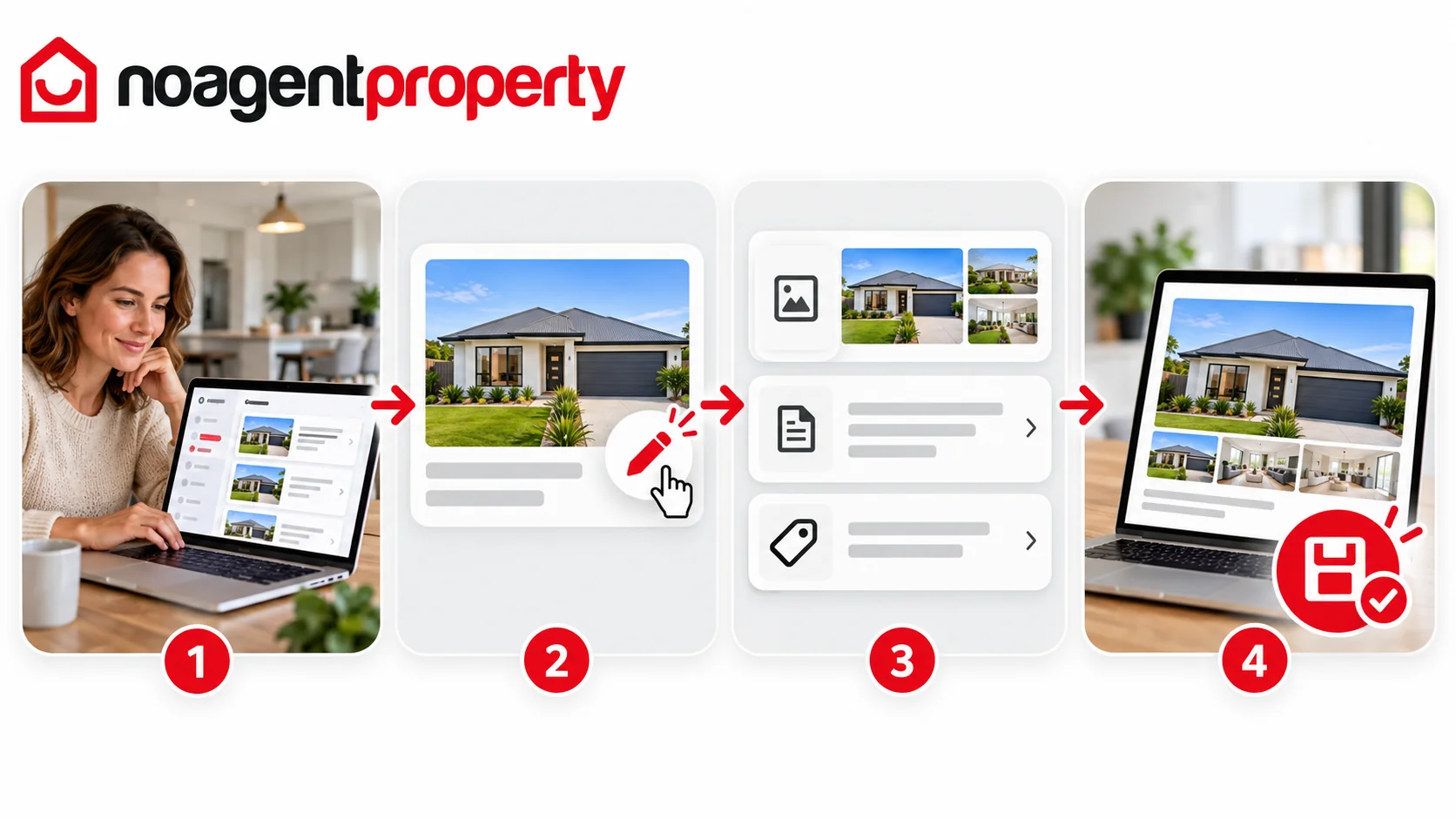
You can update most of your advertisement directly through MyPlace.
- Log in to MyPlace and go to My Listings.
- Find the listing you want to update.
- Click Edit Listing under Actions.
- Use the section tabs to find the details you want to change.
- Make your changes and click Save & Continue.
Important: Click Save & Continue in each section you edit. Otherwise your changes may not be saved.
What can I change?
You can update most details, including price, description, property features, photos and contact information.
The property address and property type cannot be changed directly through MyPlace. Contact support if either needs correcting. Changing a listing to advertise another property may not be permitted by external advertising websites.
Saved updates on live listings typically appear within 1–2 hours, although external websites can take longer.
For more information, see How to update your price, How to add, replace and reorder photos and How long does it take for changes to appear on other websites?.