
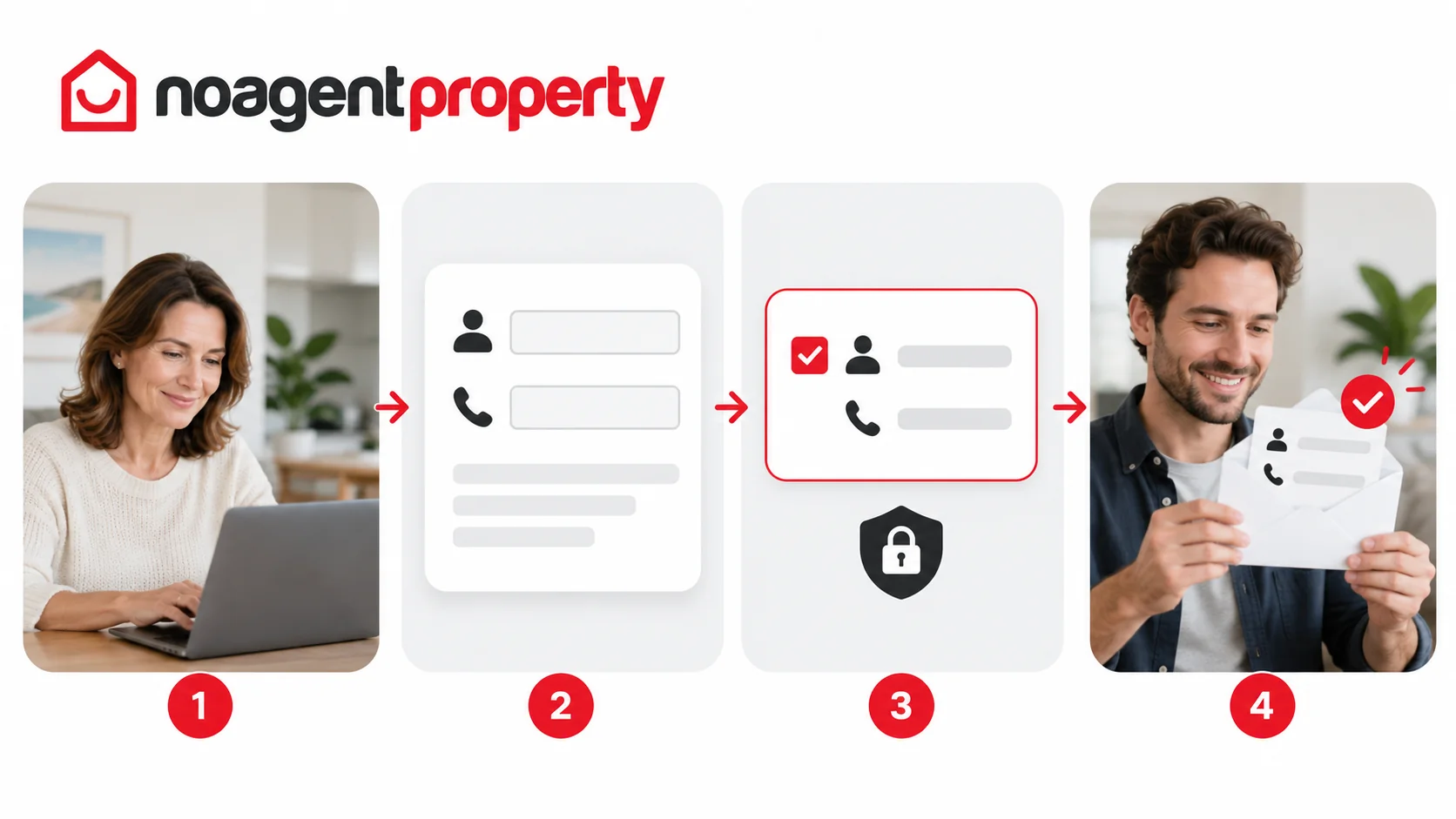
You can update the details shared with people who enquire about your listing through MyPlace.
- Go to My Listings and click Edit Listing.
- Open Contact Details.
- Enter the name and phone number you want to use.
- Tick Show if you want these details emailed to people who submit an enquiry.
- Click Save & Continue.
Your personal contact information is not shown publicly in the advertisement through this setting. If the fields are blank, the system may still save your changes, but enquirers will not automatically receive those contact details.
Check that the number is correct and that you're comfortable sharing it with people who enquire.
For more information, see How to edit your listing.